Apollo Lander
Apollo Lunar Lander
Fly the Lunar Module down to the real Apollo 15 landing site.
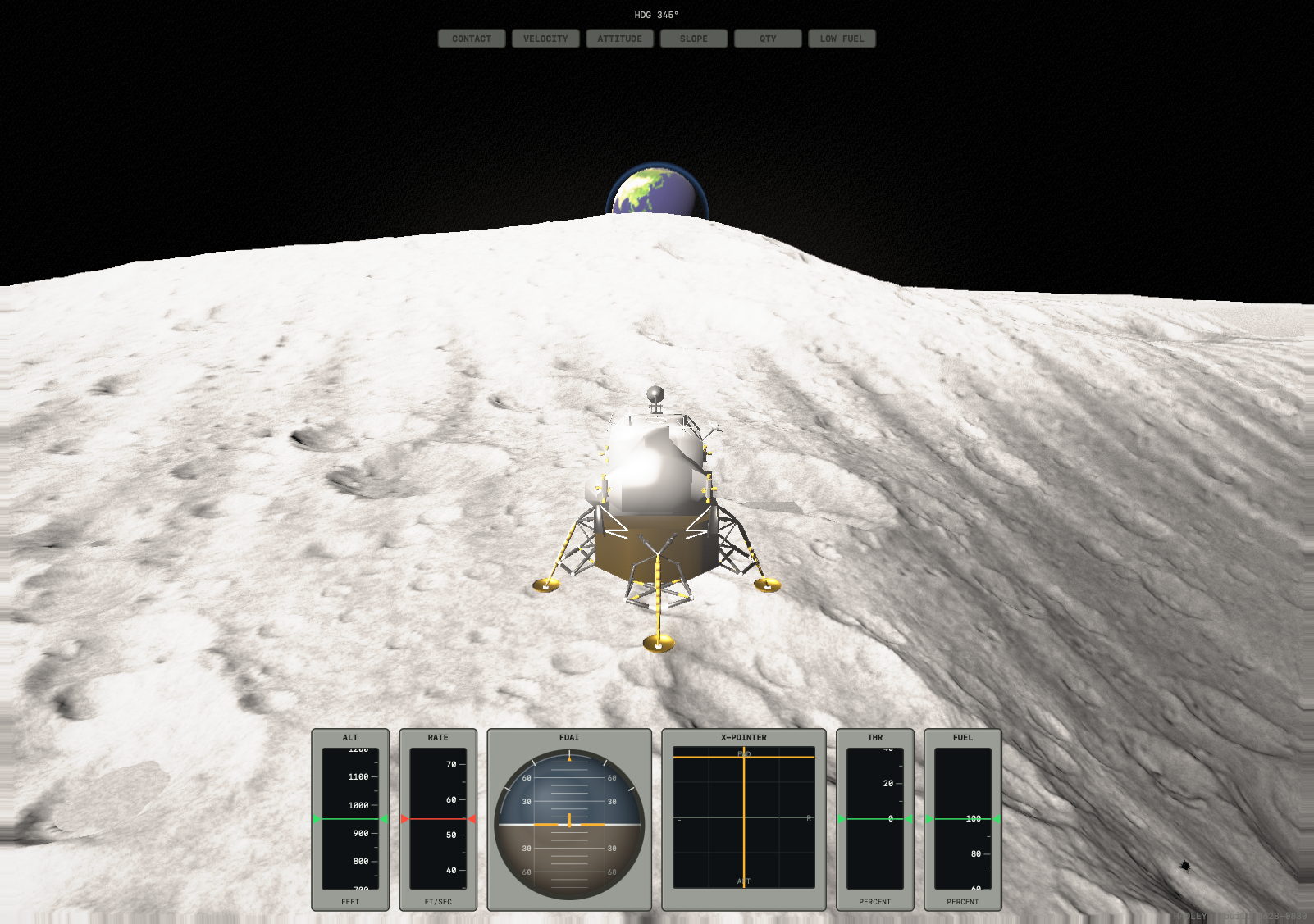
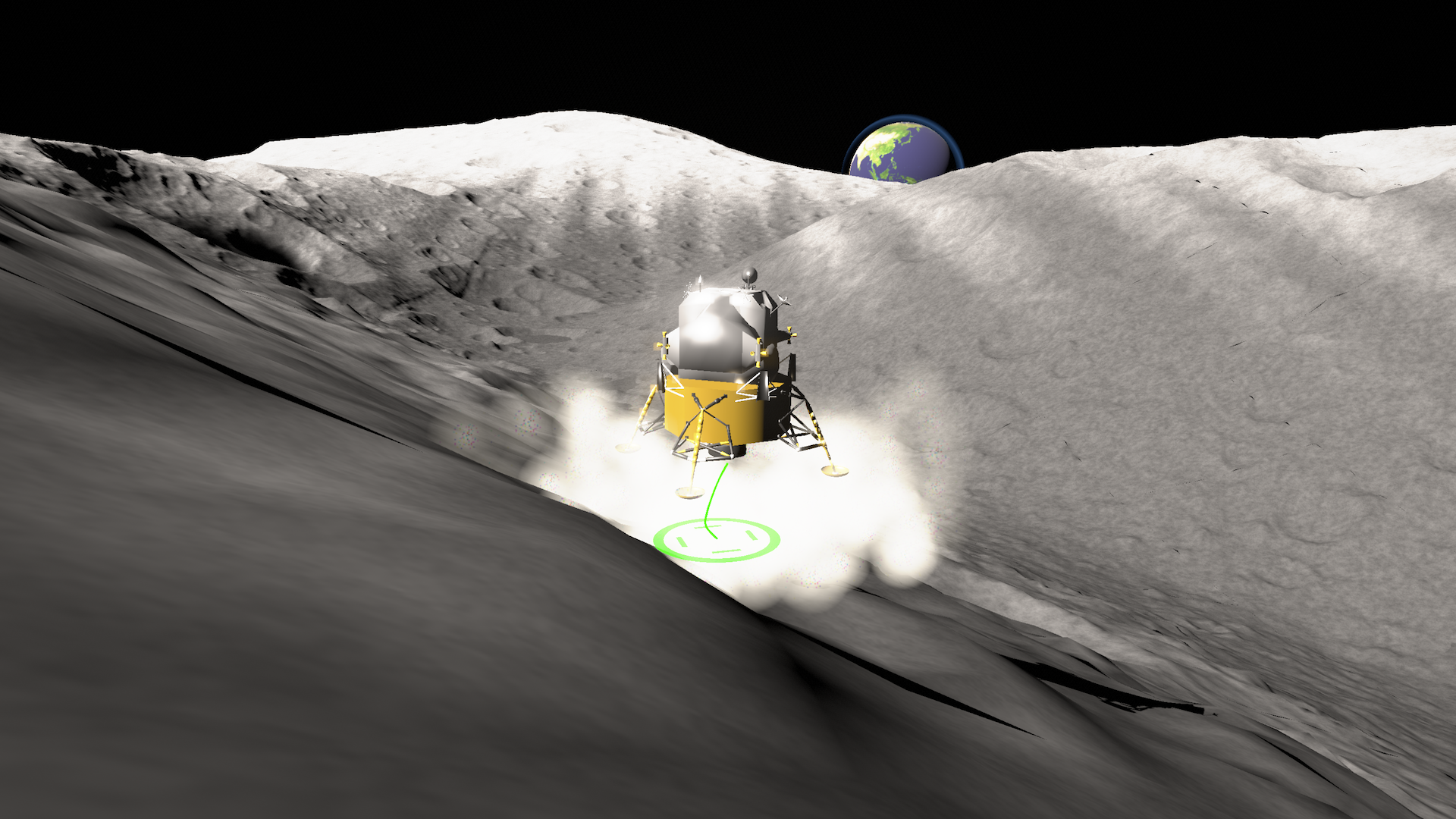
Take manual control of the descent stage and set the Falcon down on the Hadley–Apennine plain — the same ground Dave Scott and Jim Irwin reached in 1971. The terrain isn't invented: it's built from NASA/ASU Lunar Reconnaissance Orbiter scans of the actual site, with Hadley Rille cutting across the plain and the Apennine front catching the low sun.
This is a flying sim, not an arcade drop. The Descent Propulsion System is throttleable but barely points where you want — thrust acts straight up through the craft, so you tilt the lander to translate, bleed off your forward speed on the way in, and stand it back upright before the footpads touch. Just like the real thing, you'll be low on fuel and short on time.
Features
- Real lunar terrain — Apollo 15 Hadley–Apennine, from LROC orbital scans, curved to a close lunar horizon
- Authentic descent physics — throttleable DPS engine, RCS rate-command attitude hold, 1.62 m/s² gravity, fuel that runs out when you waste it
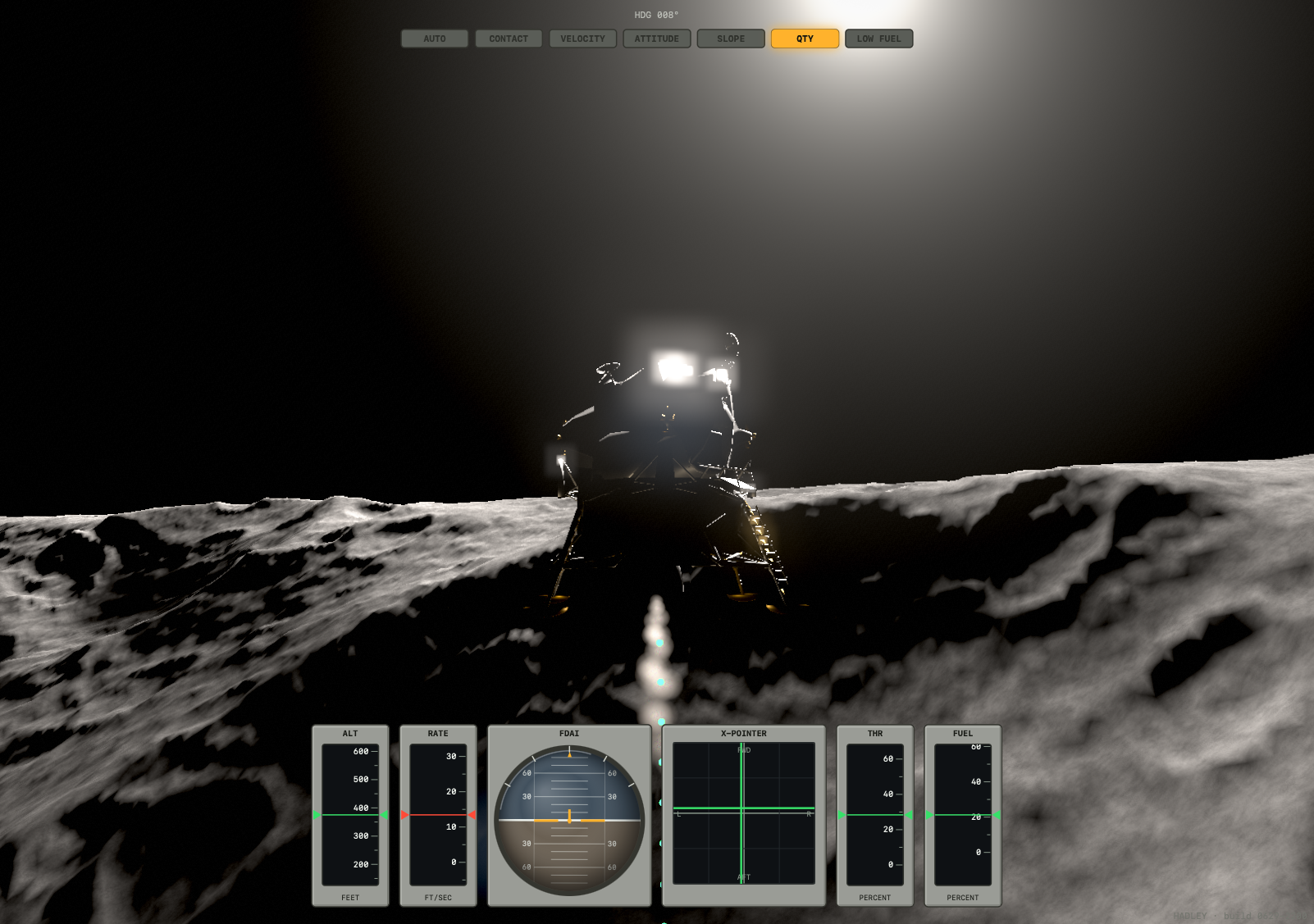
- NASA Apollo LM model with gold foil and polished metal reflecting the black sky and harsh sun
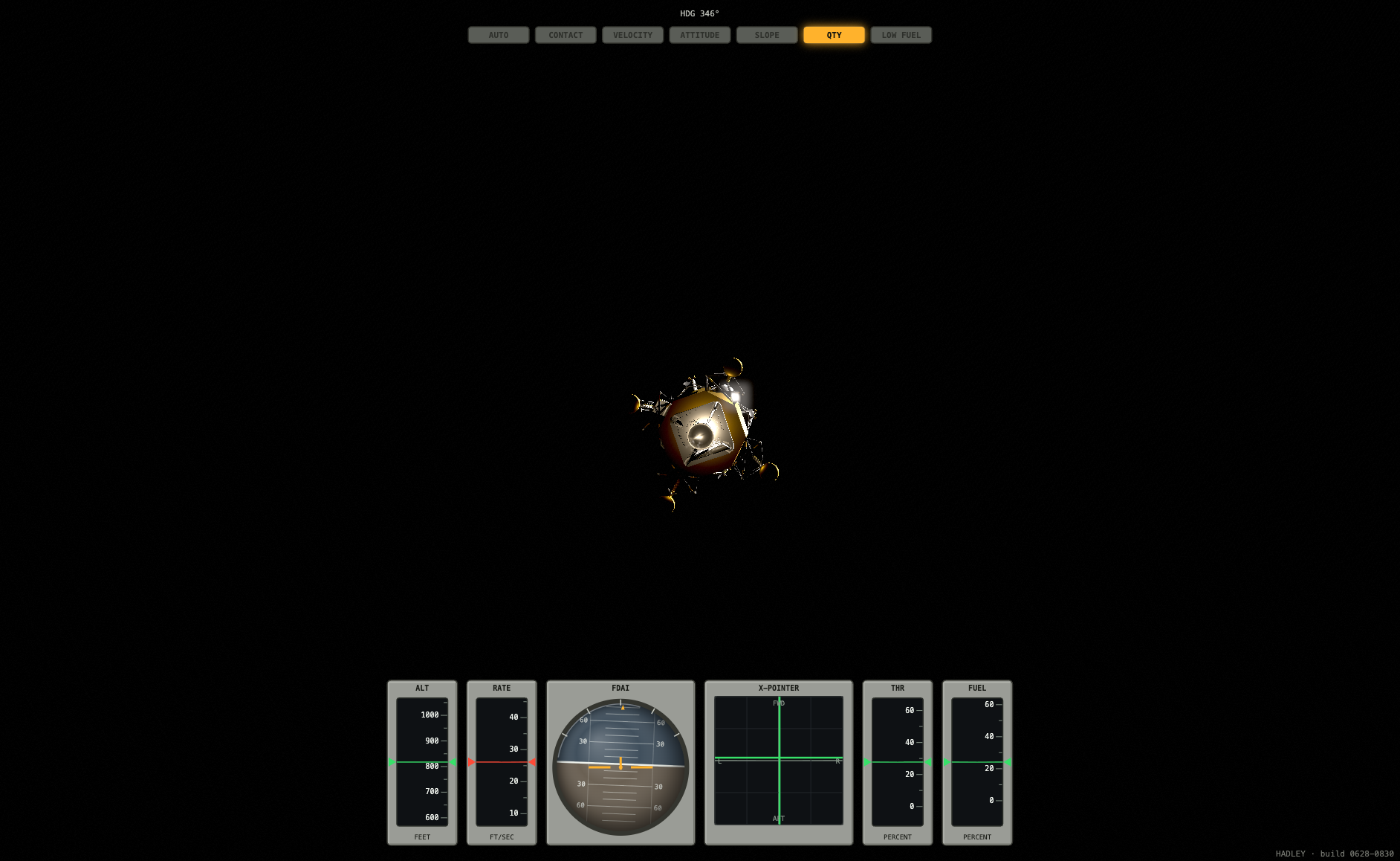
- Apollo-style instrument panel — FDAI attitude ball, cross-pointer, and moving-tape altitude / descent-rate / throttle / propellant gauges
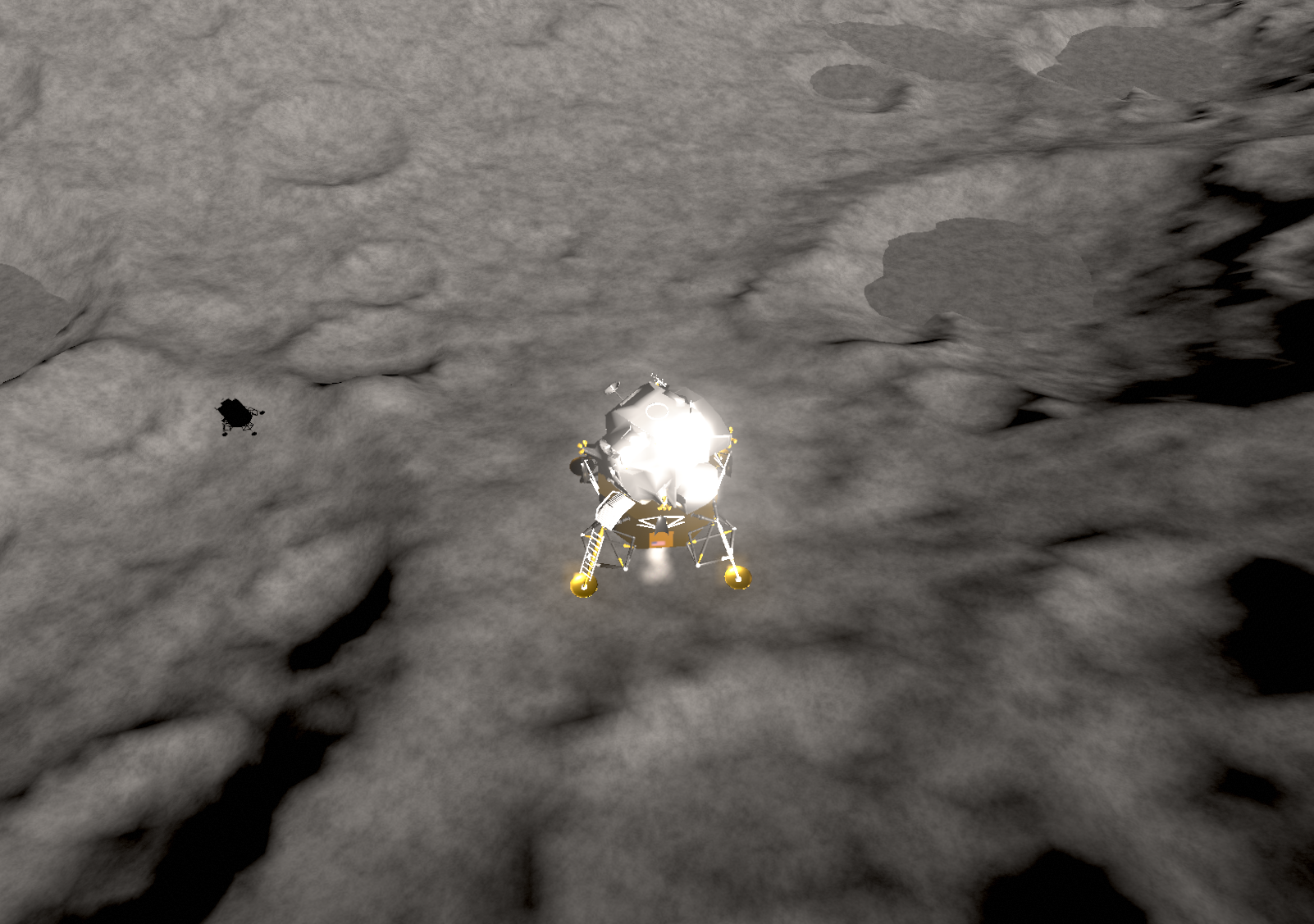
- Hands-off autopilot — engage it any time and it corrects attitude and speed, picks a level spot, and flies a soft, level touchdown — with an optional dotted landing-path overlay
- Live radio chatter — your copilot calls the altitudes, Houston watches your descent rate and fuel, all over a crackling radio bed with Quindar tones
- Hard-vacuum visuals — HDR camera, knife-edge shadows, ballistic regolith dust kicked up by the engine, and Earthrise over the mountains
- Multiple cameras — chase, wide, close, and a fixed surface camera that watches you come down by the landing zone
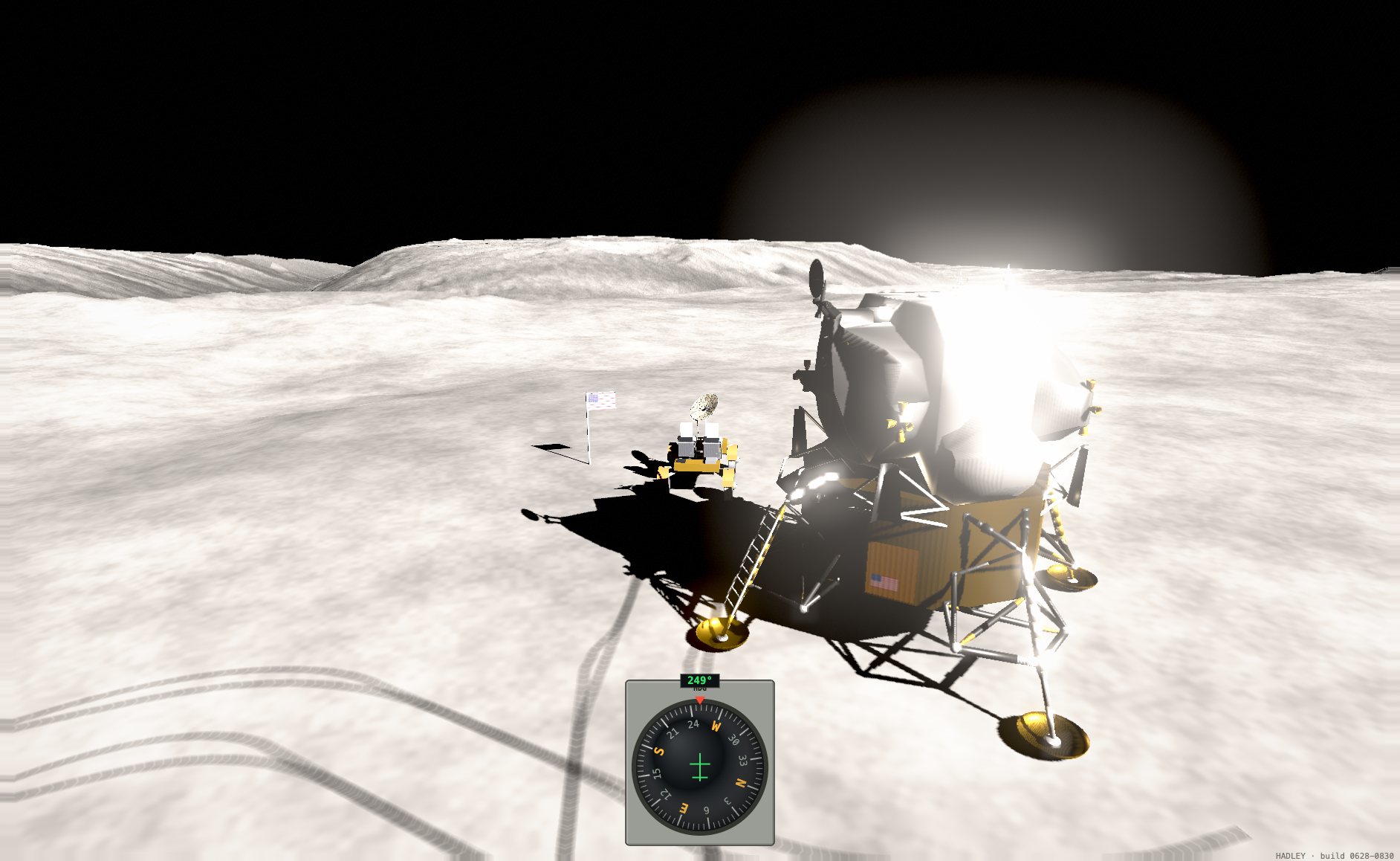
- Bonus reward — After a successful landing, take the Lunar Rover for a spin!
Controls
| W / S | DPS throttle up / down |
| I / K | Pitch (forward / back) |
| J / L | Roll (left / right) |
| A / D | Yaw (left / right) |
| X | Engine cutoff |
| TAB | Autopilot — flies and lands the Falcon for you |
| SHIFT + TAB | Toggle the autopilot's landing-path overlay |
| C | Camera (chase / wide / close / ground) |
| drag | Orbit the camera |
| scroll / + / − / pinch | Zoom in / out |
| G | Show / hide the instruments |
| SPACE | Pause |
| M | Mute |
| R | Reset |
| D | Drive the Lunar Rover (after a successful landing) |
Rover controls
| W / S | Accelerate / reverse |
| A / D | Steer left / right |
| C | Camera (chase / driver / drive-by) |
To land it
Touch down at under 10 ft/s vertical, under 4 ft/s lateral, near level, on ground that isn't too steep. Anything harder and you'll be writing a different report to Houston.
Terrain: LROC NAC DTM, Apollo 15 site — NASA/GSFC/ASU. LM model: NASA 3D Resources. Built with Three.js.
Leave a comment
Log in with itch.io to leave a comment.